


Consumer Experience
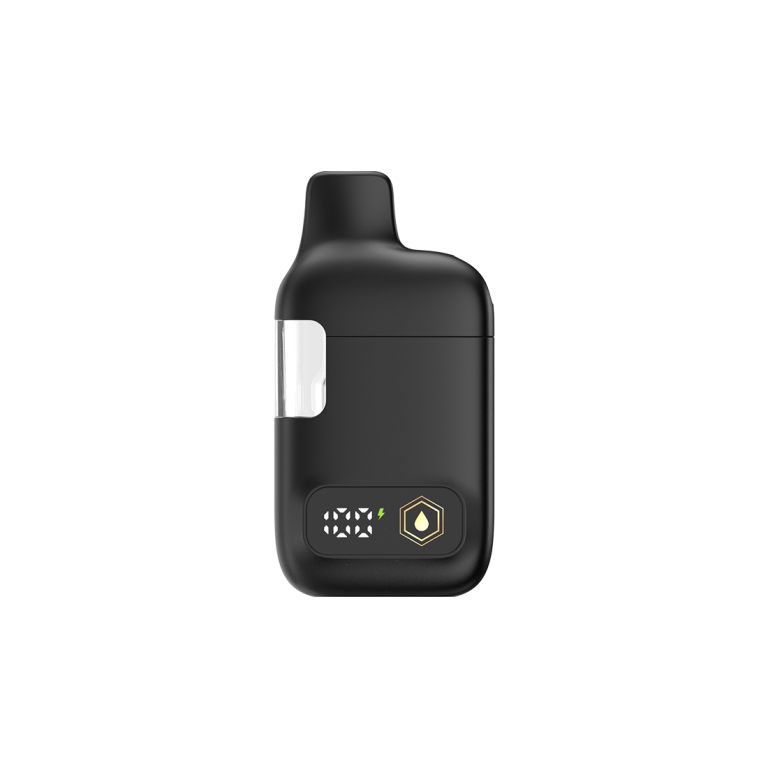
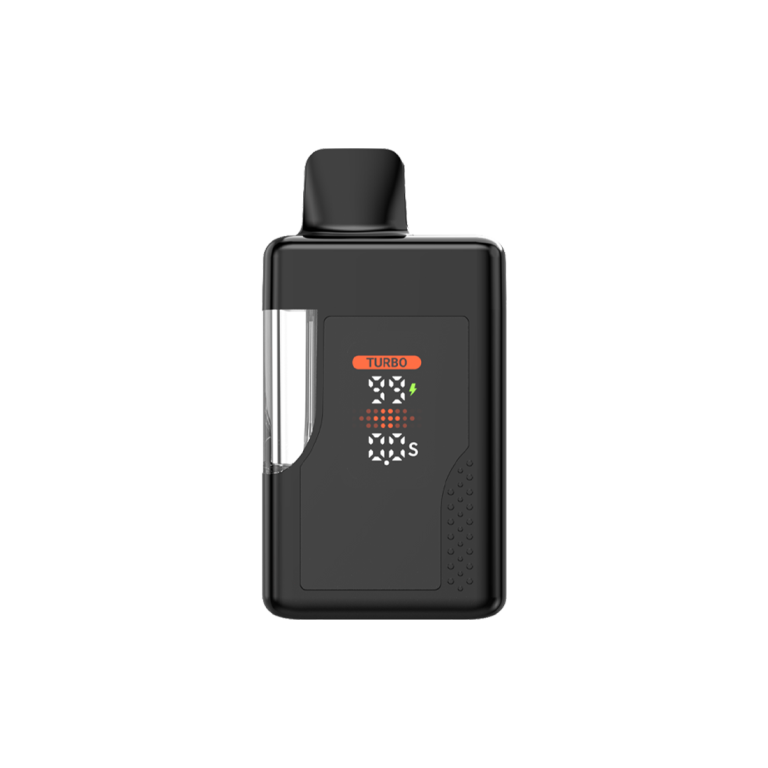
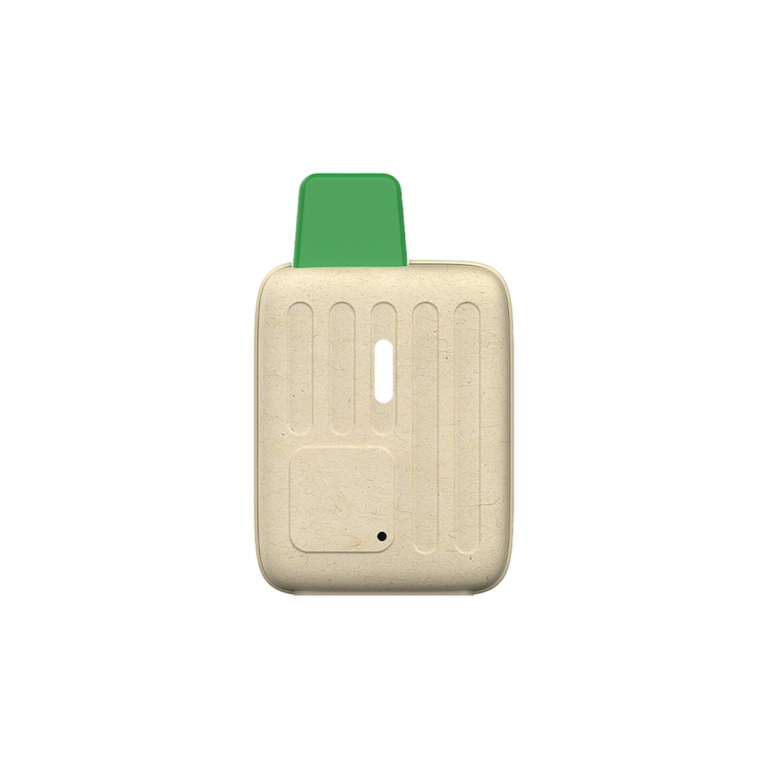
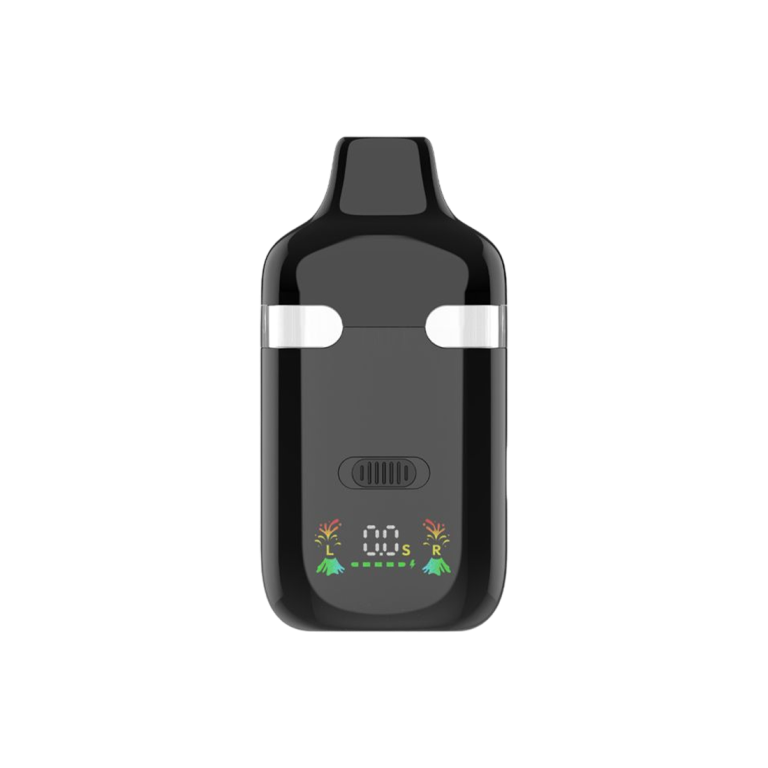
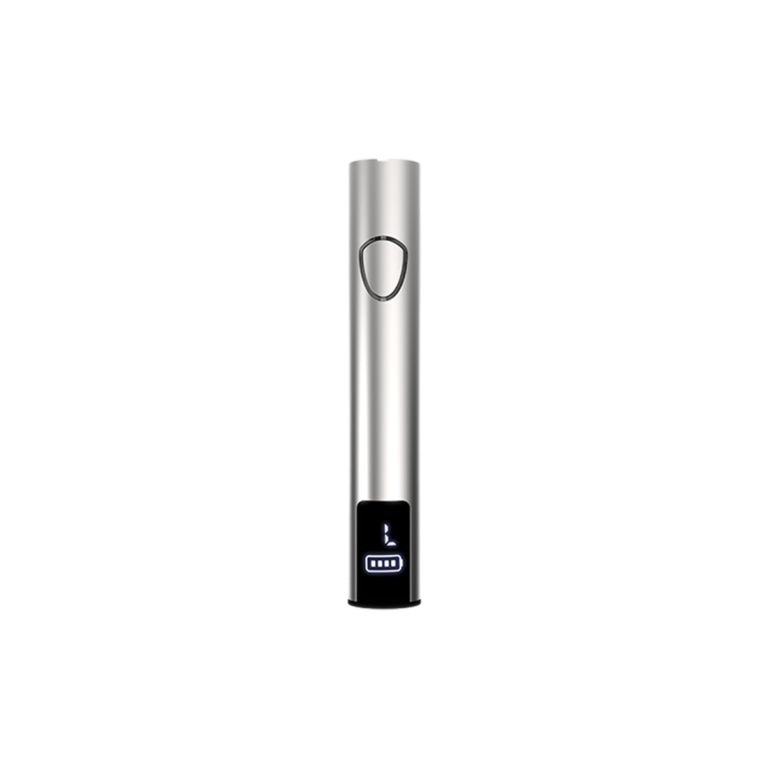
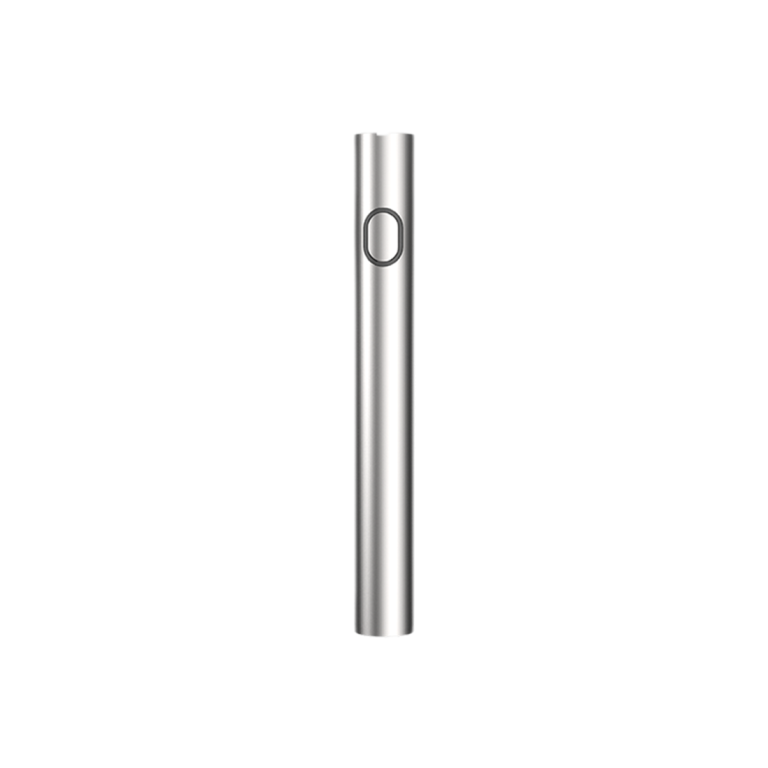
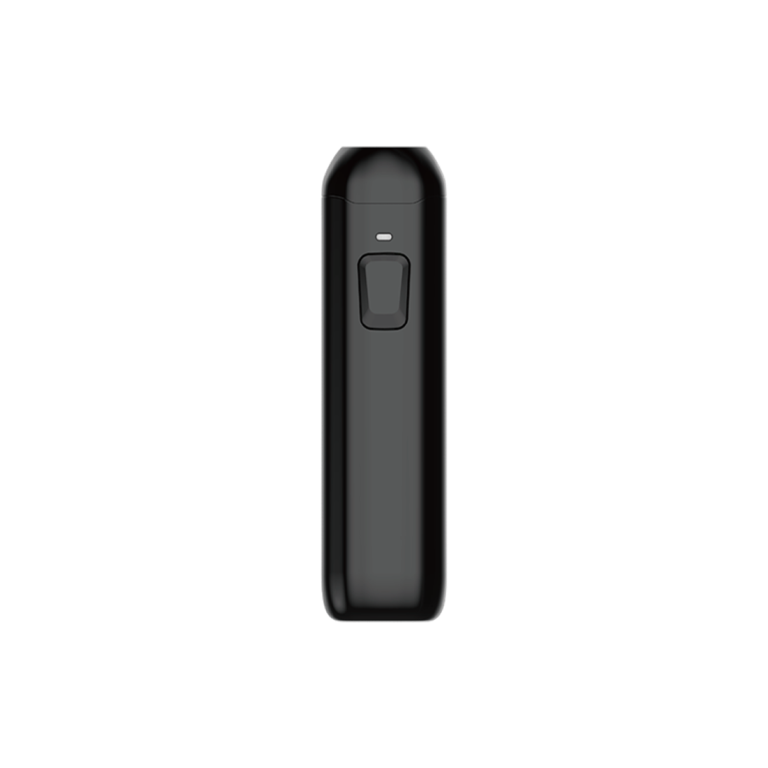
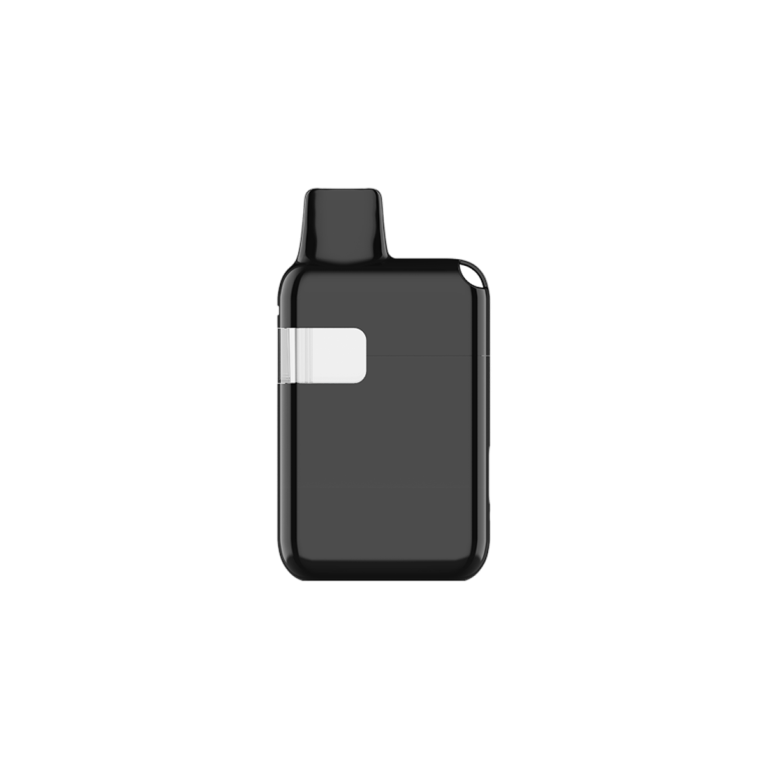
With the OMNI Consumer experience, end users can access customizable vape settings, check battery and oil levels, view detailed oil information, and more—all through the OMNI Connector App.
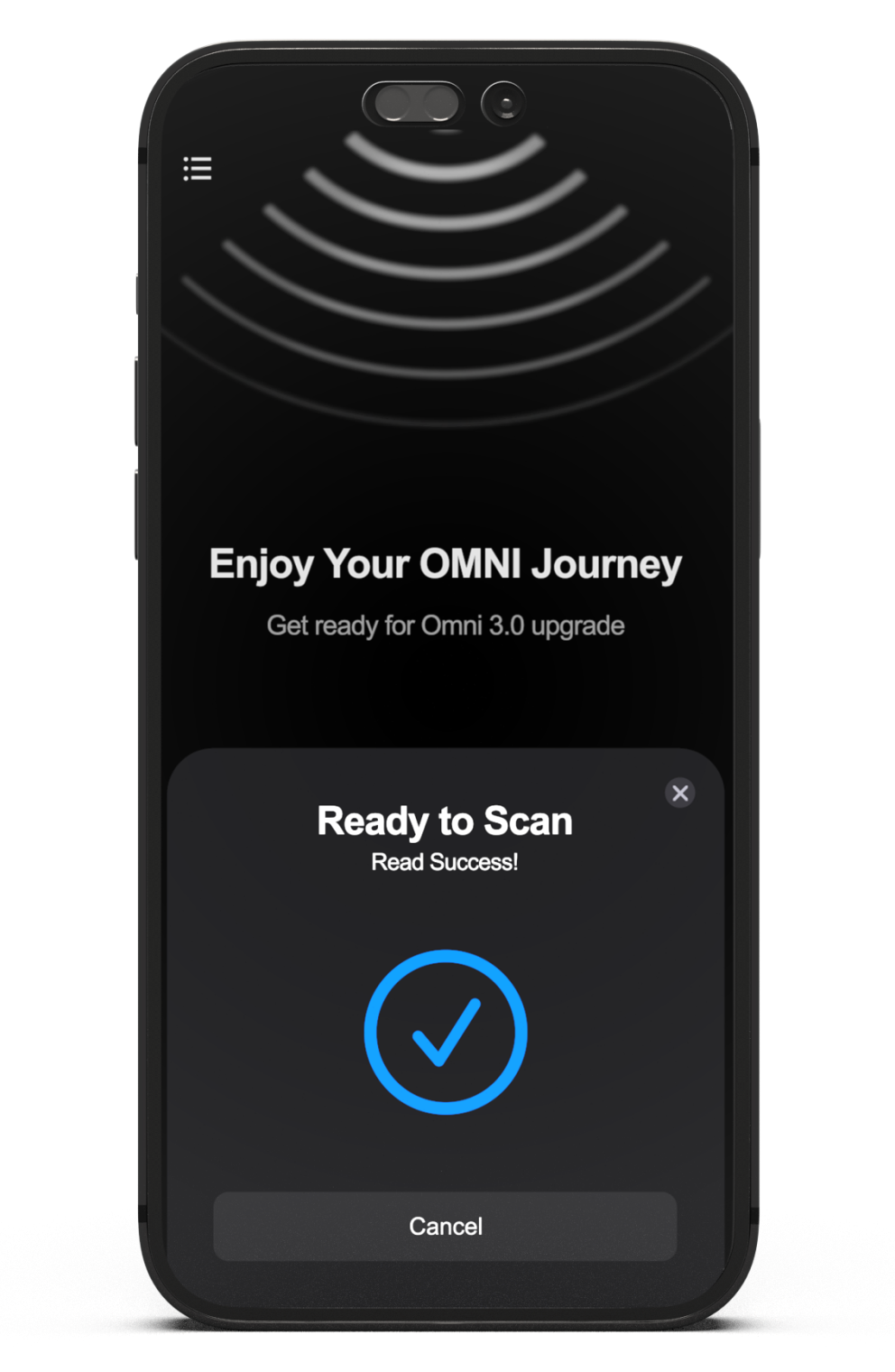
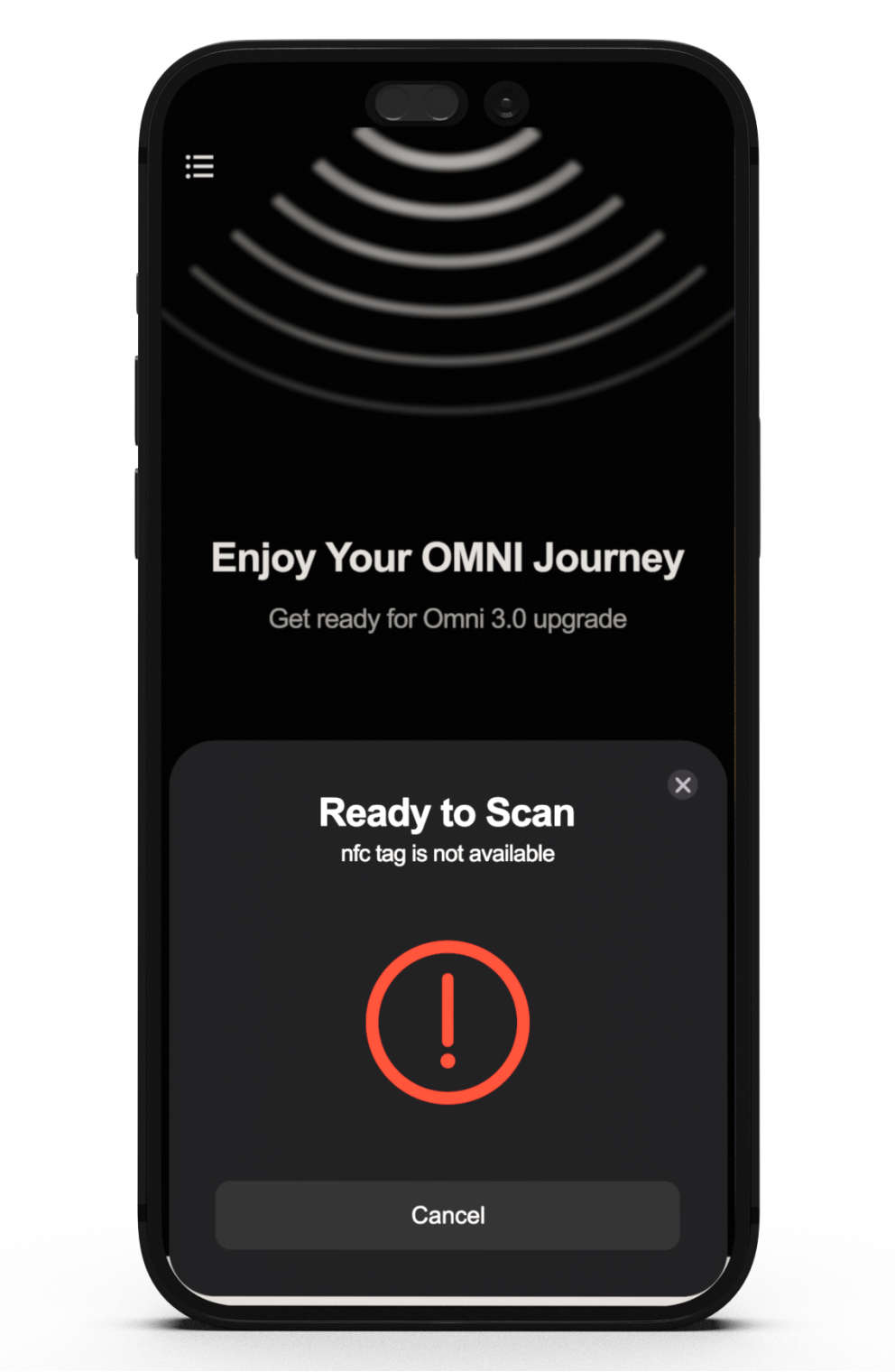
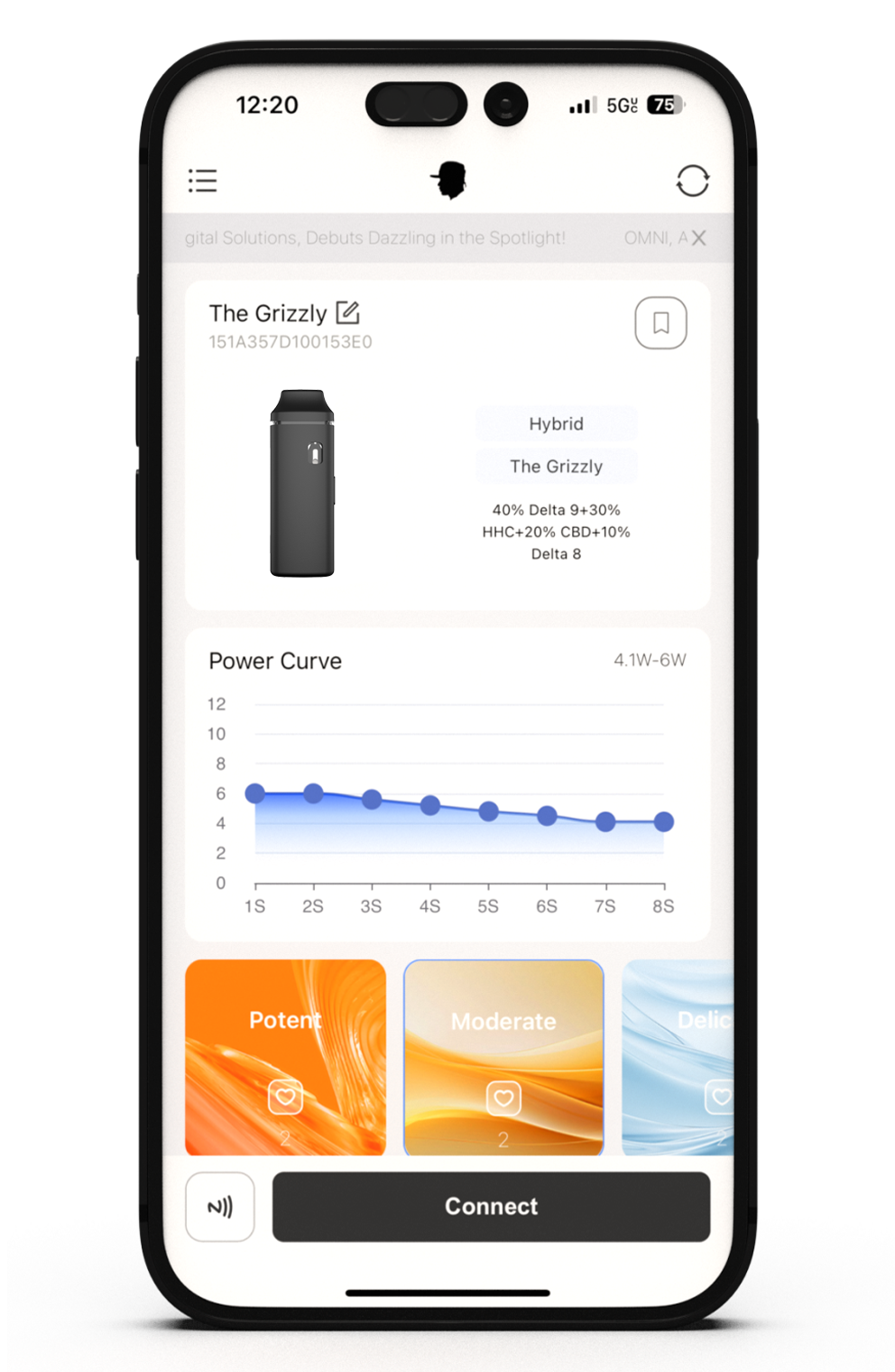
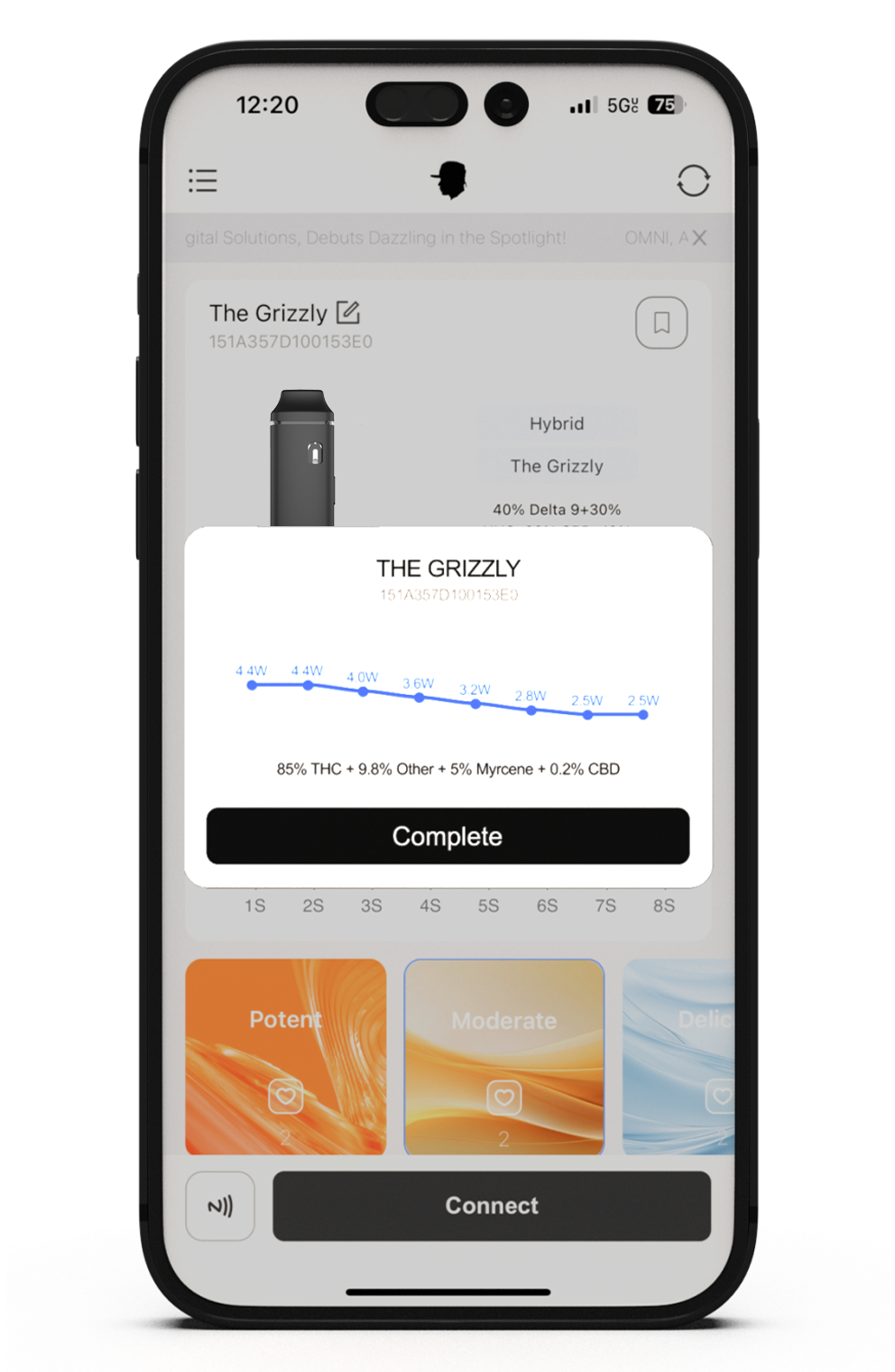
- Connect Your Device
- Genuine Authenticity
- User-Friendly Interface
- Temperature Presets
With the OMNI Consumer experience, end users can access customizable vape settings, check battery and oil levels, view detailed oil information, and more—all through the OMNI App.
- Connect Your Device
- Genuine Authenticity
- User-Friendly Interface
- Temperature Presets
Scanning Your Device with OMNI Connector
Follow these simple steps to scan your device into OMNI Connector.
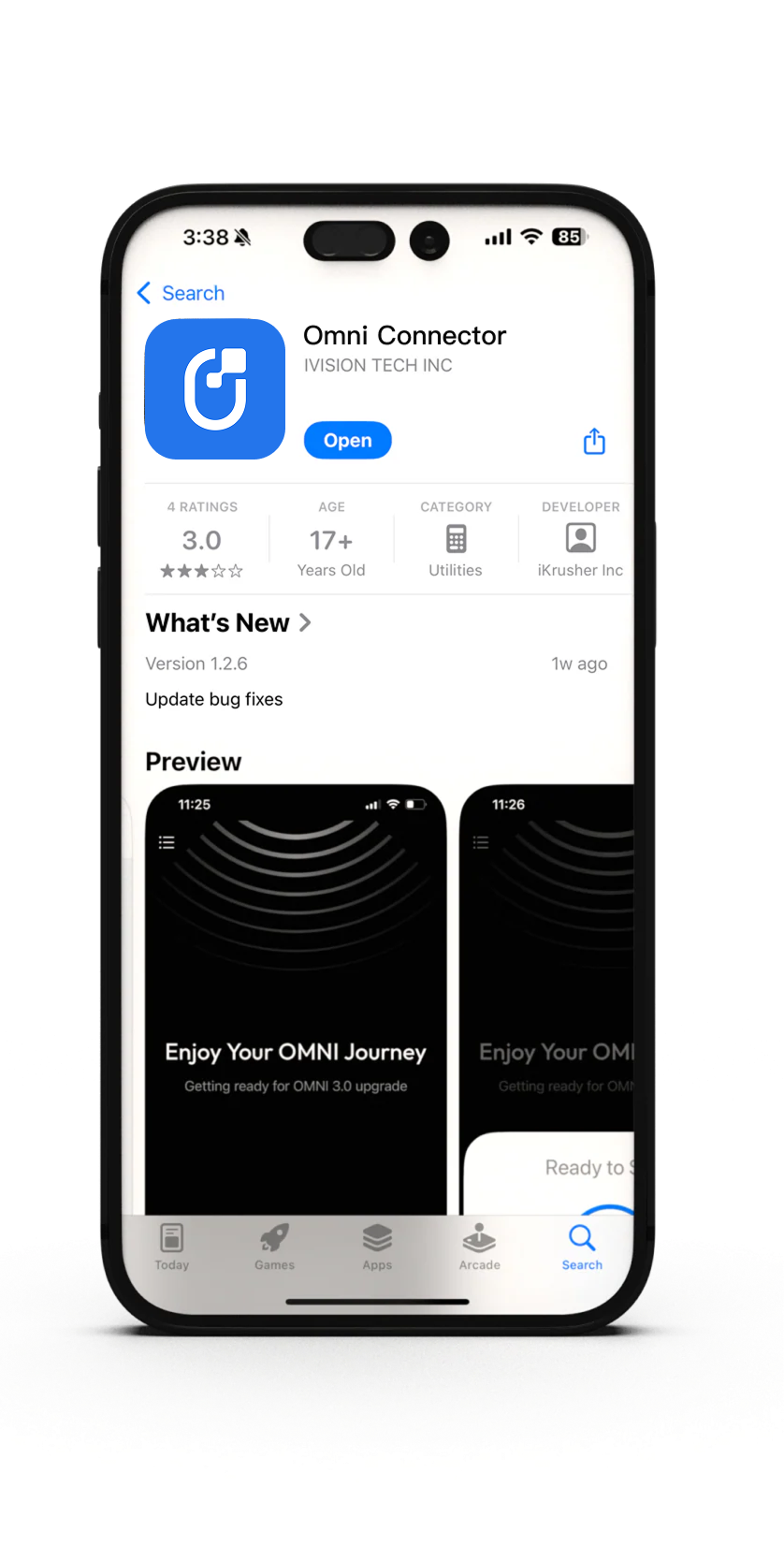
Step 1
Android: Download the OMNI Connector app from the Google Play Store.
iOS Users: Follow the instructions here.
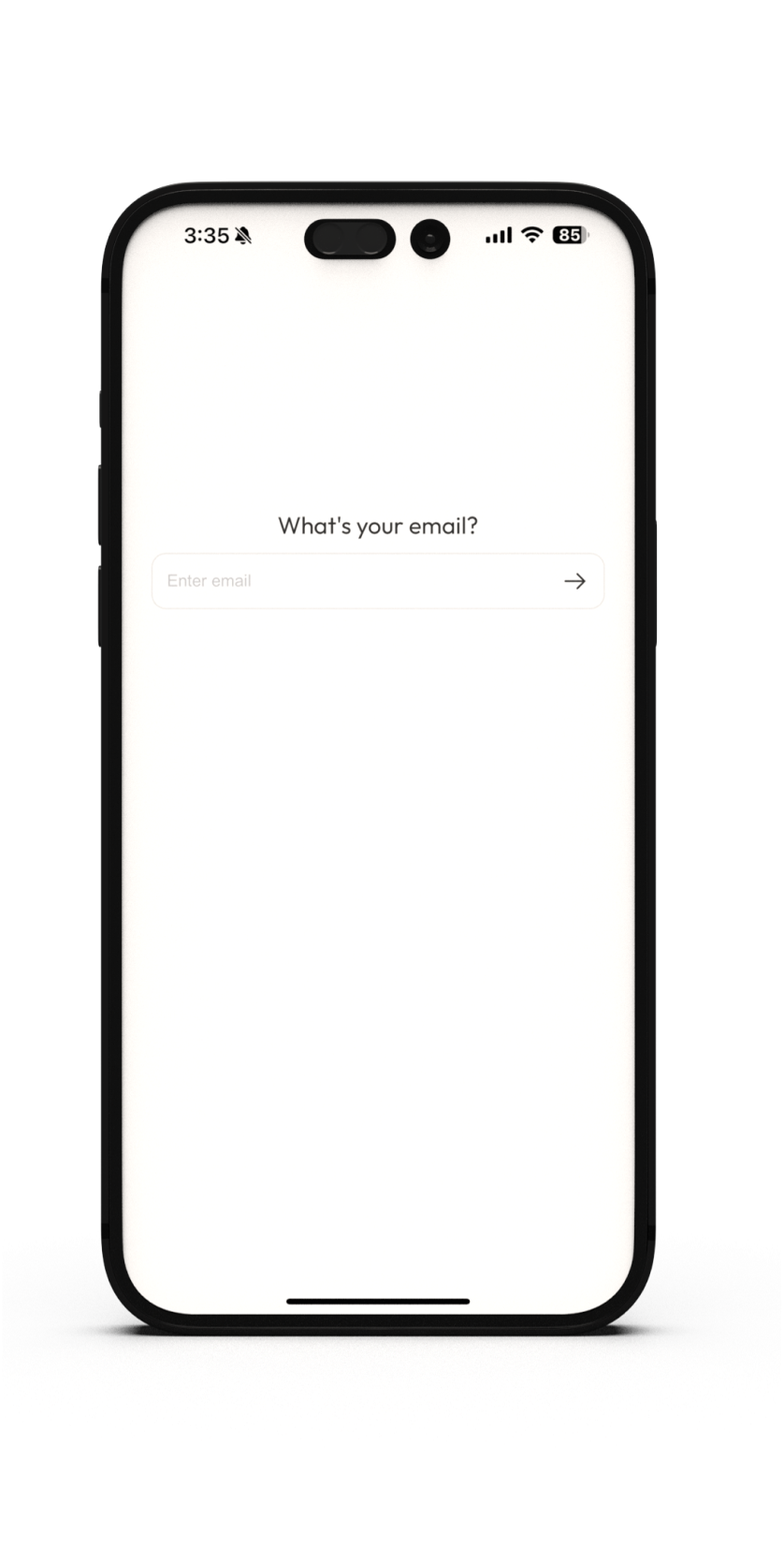
Step 2
Type your email and password to make an account.
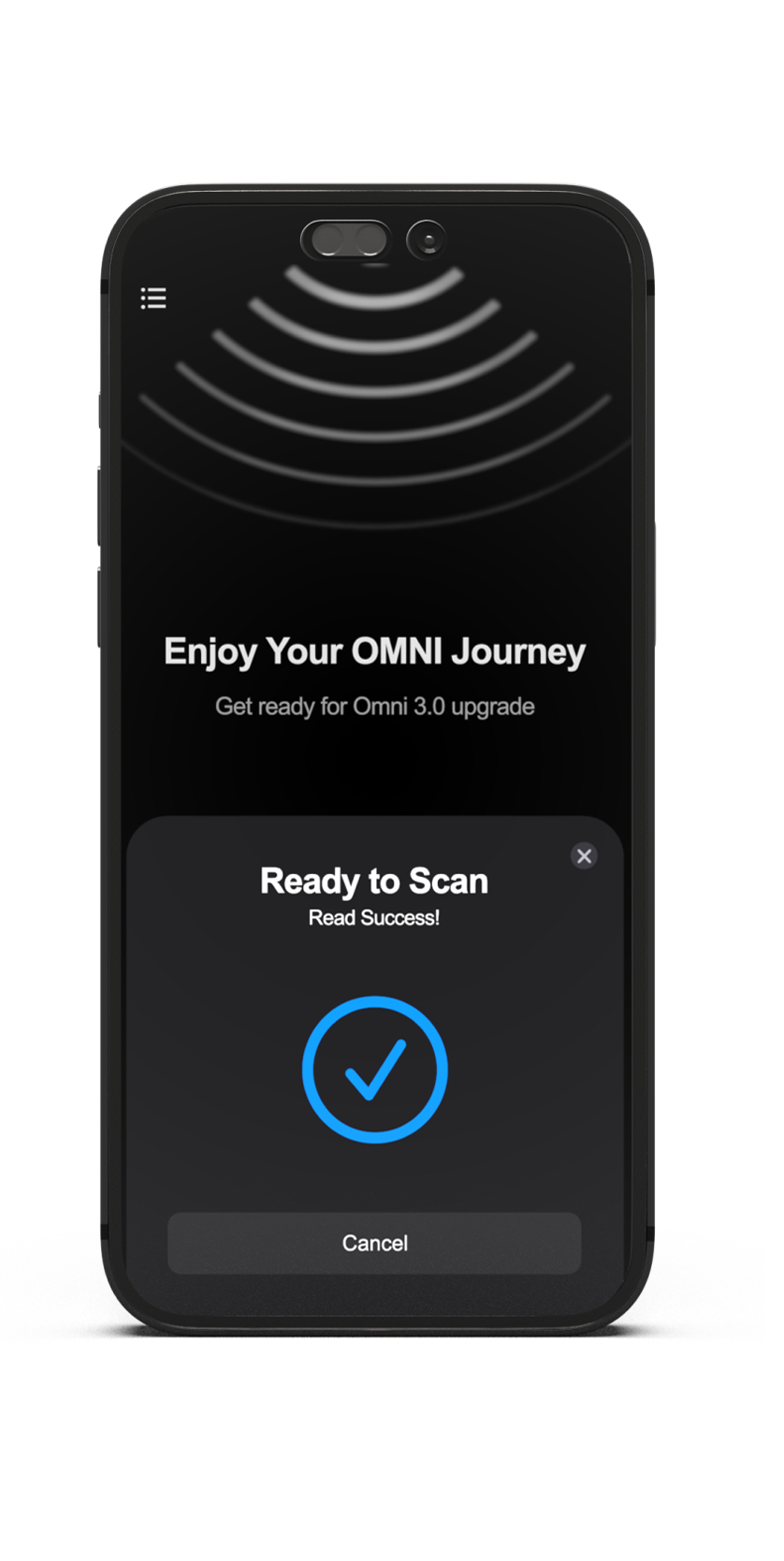
Step 3
Choose either Bluetooth or NFC depending on the device type.
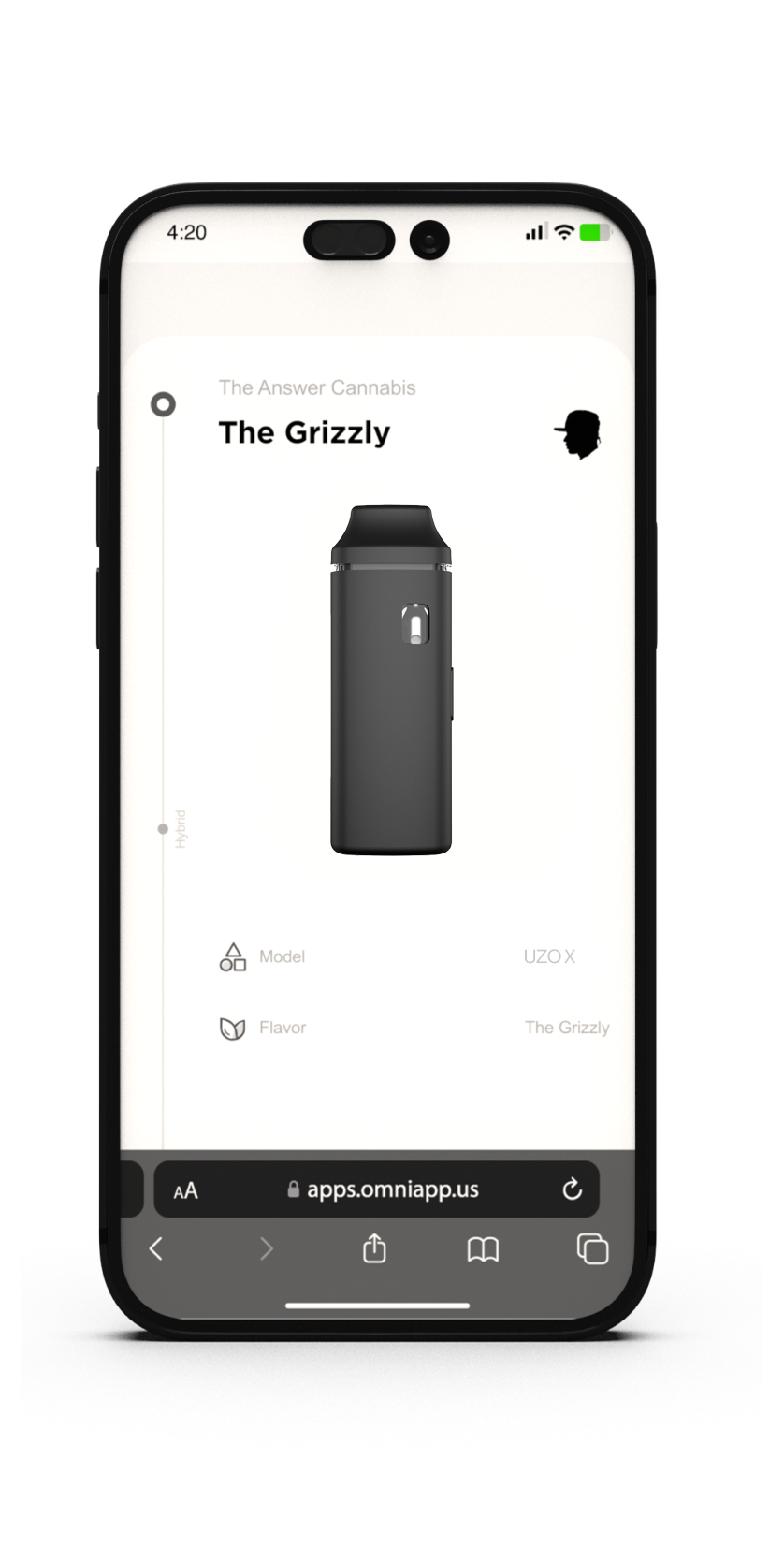
Step 4
NFC: Place the device near your phone's NFC reader. Click 'Connect'.
Bluetooth: Turn your phone's Bluetooth on. Click 'Connect'.
Explore OMNI
Click here to learn more.
Download the App
Imagine having total control over your vapes and being able to fine-tune your devices to suit your oil perfectly. What you've waited for is here: OMNI Connector.