

Are you 21 or older?

No, I am under 21

By clicking "Yes," you verify you are 21 years of age or older and meet the legal age requirement for vape product use and purchase in your location.

VAPE DISTRIBUTION & ODM | OEM
0
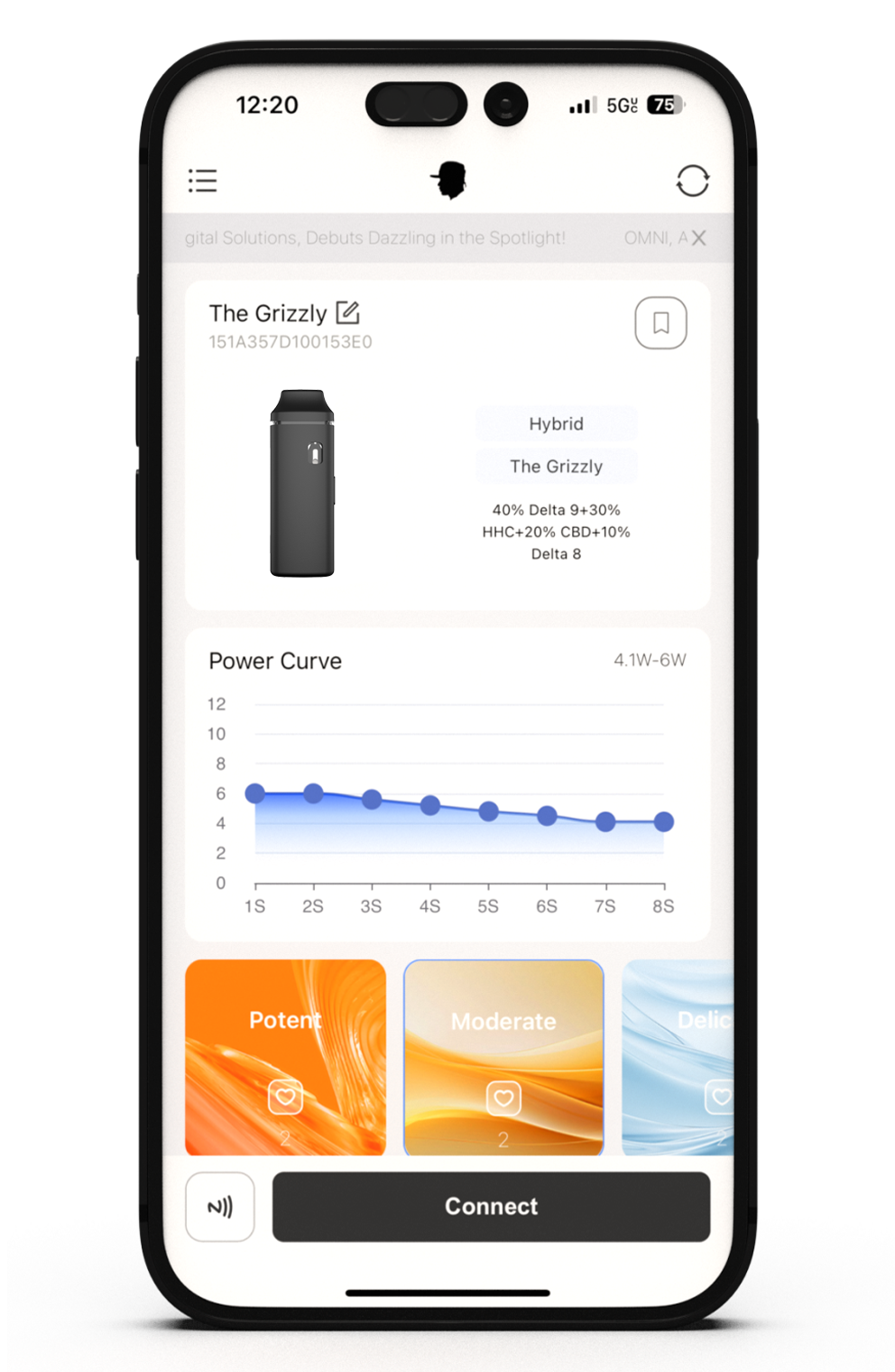
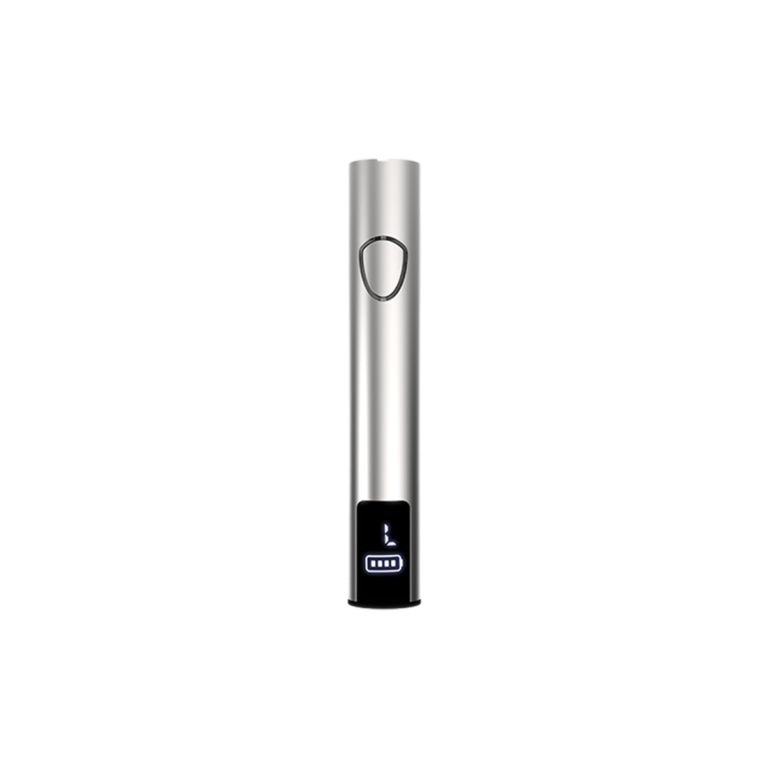
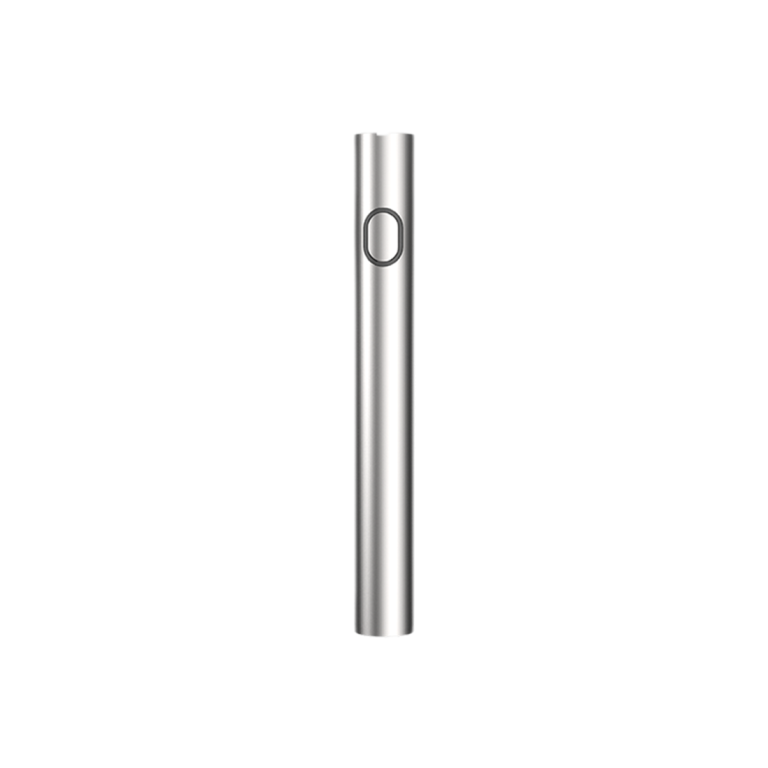
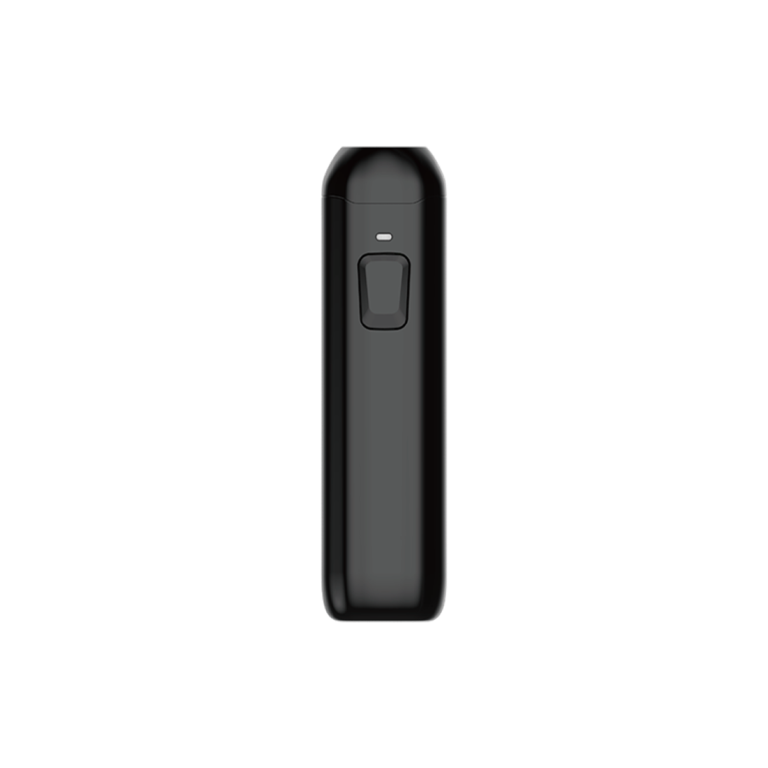
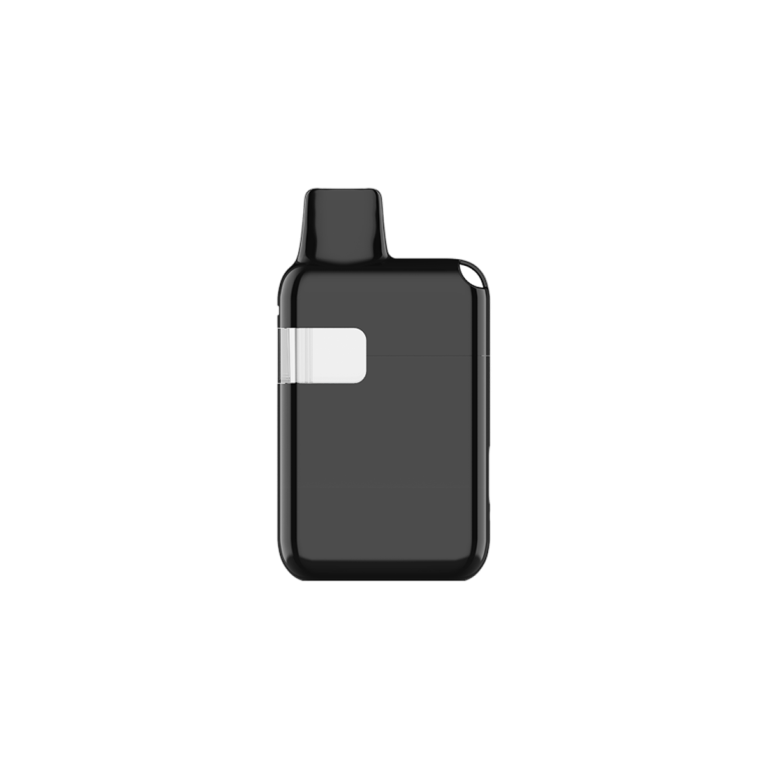
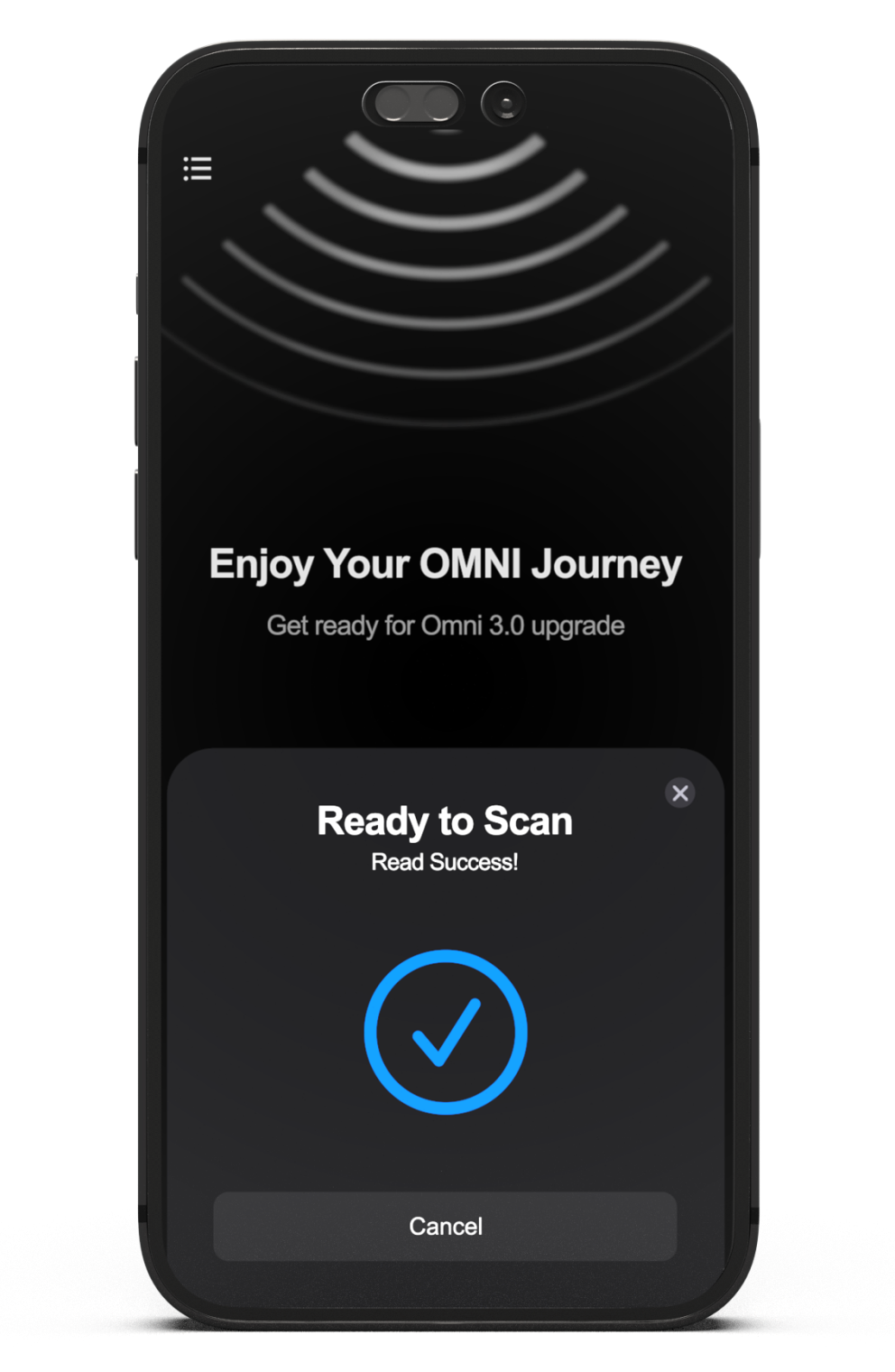
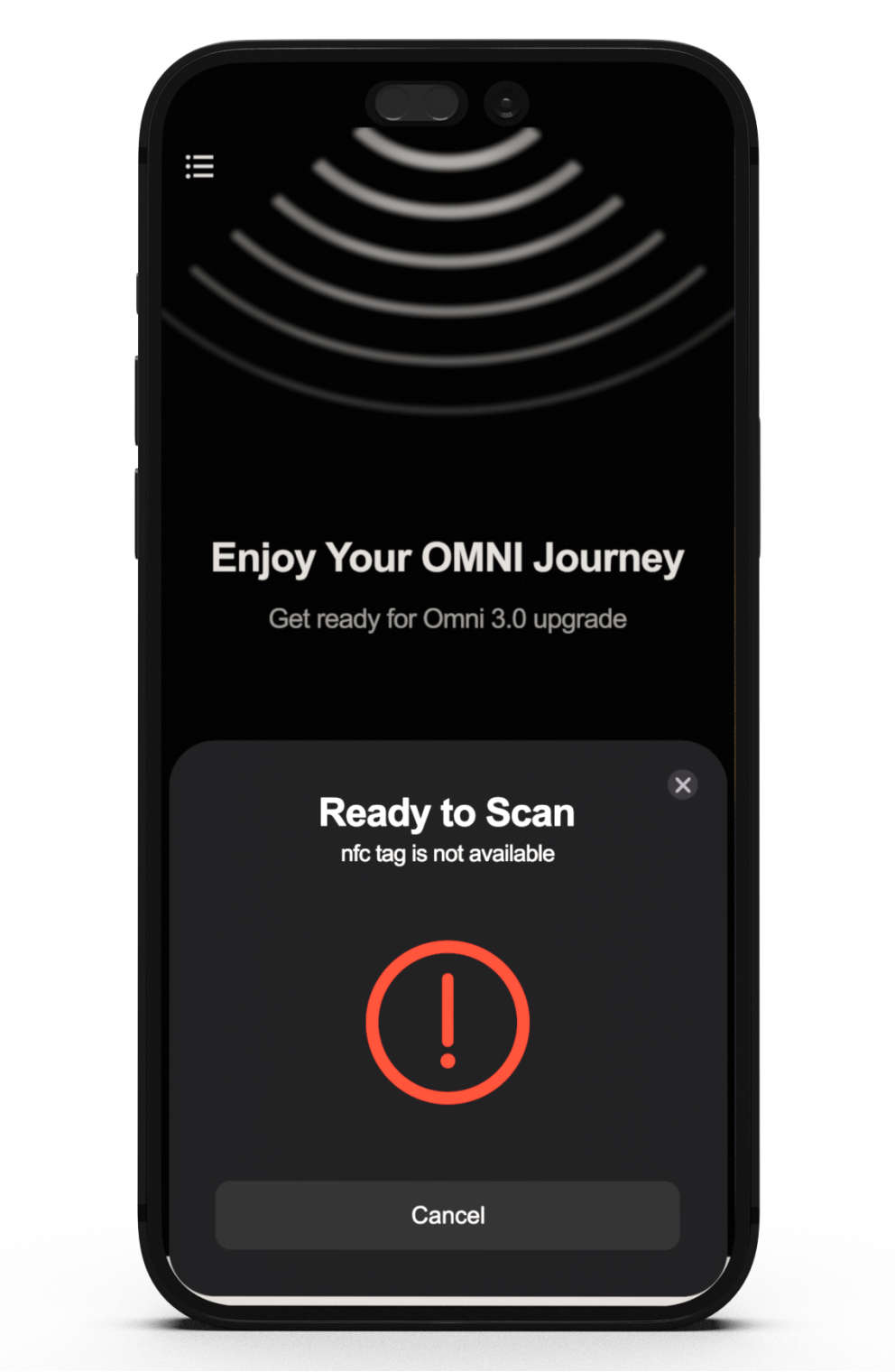
With the OMNI Consumer experience, end users can access customizable vape settings, check battery and oil levels, view detailed oil information, and more—all through the OMNI Connector App.
Connect Your Device

Connecting an OMNI-compatible vape or battery to an iOS or Android mobile device is quick and simple.

omni Connect your device 1

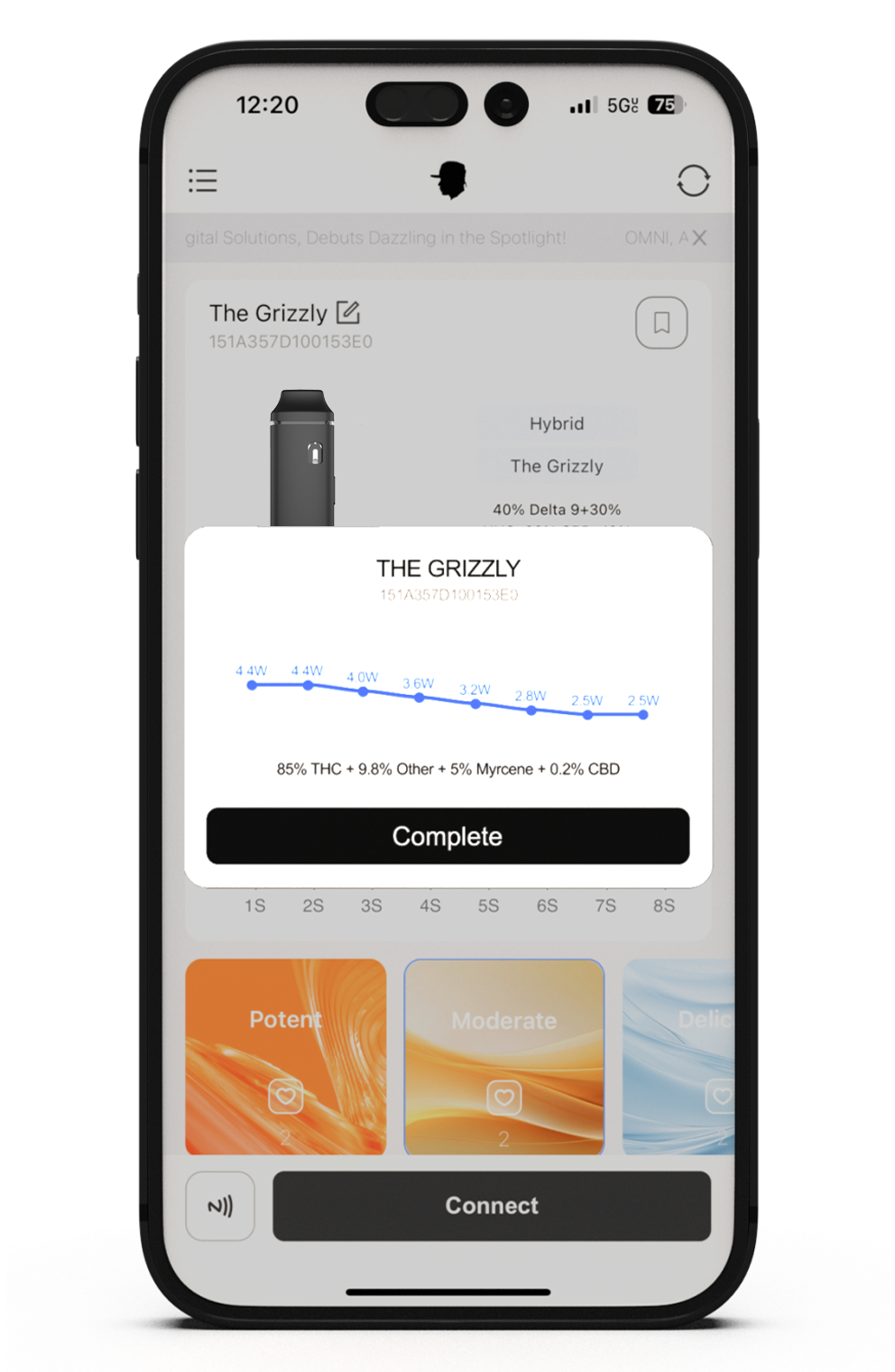
Genuine Authenticity

Every OMNI-compatible device has a unique security code to guarantee hardware authenticity and deliver users a safe and premium experience.

omni Genuine Authenticity 1

User-Friendly Interface

The OMNI Connector App offers a sleek, user-friendly interface that makes it simple for users to access and manage their vape settings and information.

omni User friendly v2

Temperature Presets

Users can customize their vaping experience with preset temperature curves to achieve an optimum vaping experience.

omni Tempature presets v2
  • Connect Your Device
  • Genuine Authenticity
  • User-Friendly Interface
  • Temperature Presets
With the OMNI Consumer experience, end users can access customizable vape settings, check battery and oil levels, view detailed oil information, and more—all through the OMNI App.

Connect Your Device

Connecting an OMNI-compatible vape or battery to an iOS or Android mobile device is quick and simple.

omni Connect your device 1

Genuine Authenticity

Every OMNI-compatible device has a unique security code to guarantee hardware authenticity and deliver users a safe and premium experience.

omni Genuine Authenticity 1

User-Friendly Interface

The OMNI App offers a sleek, user-friendly interface that makes it simple for users to access and manage their vape settings and information.

omni User friendly v2

Temperature Presets

Users can customize their vaping experience with preset temperature curves to achieve an optimum vaping experience.

omni Tempature presets v2
  • Connect Your Device
  • Genuine Authenticity
  • User-Friendly Interface
  • Temperature Presets

Scanning Your Device with OMNI Connector

Follow these simple steps to scan your device into OMNI Connector.
omni Step 1 v2 Connector
Step 1

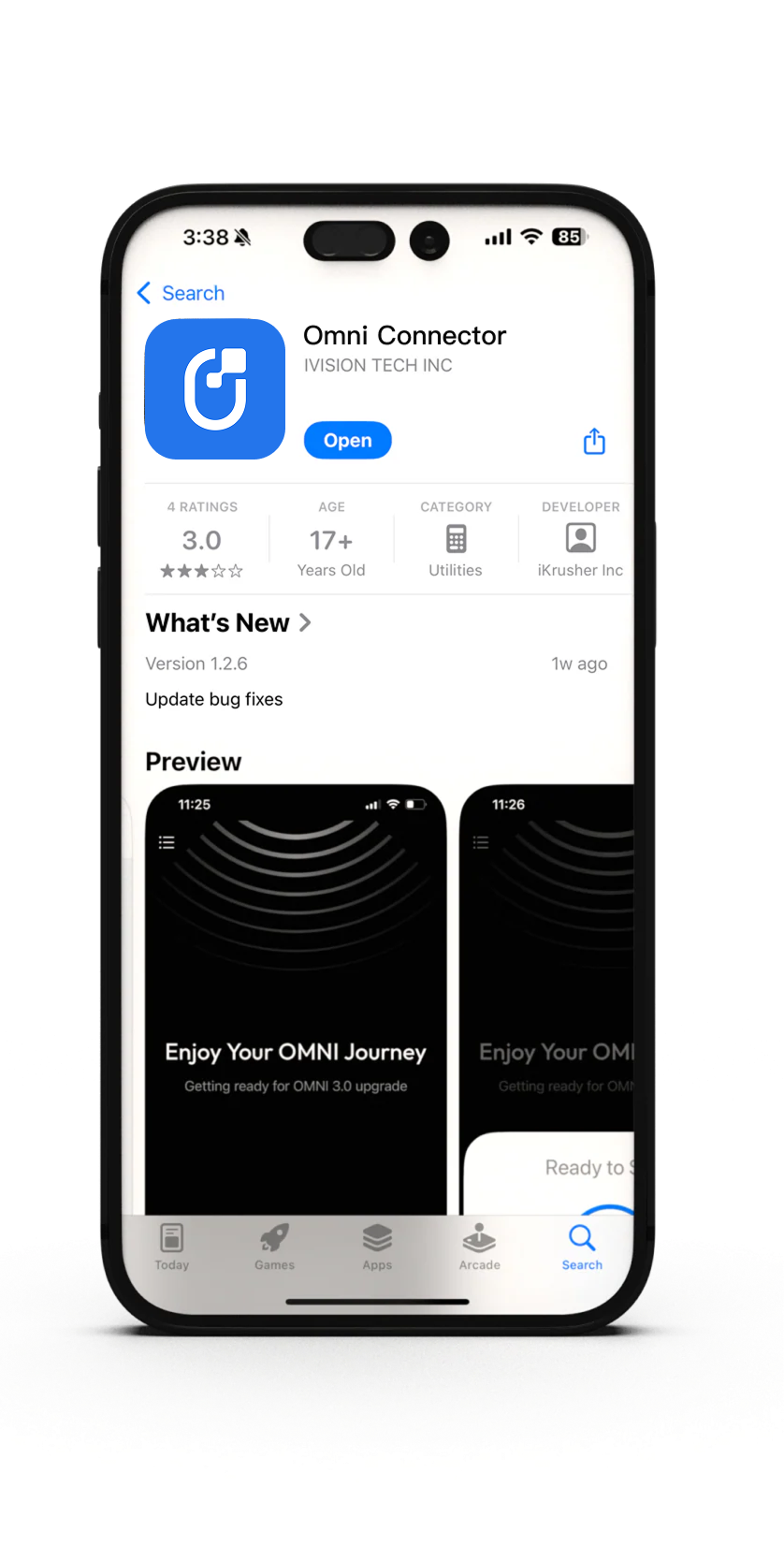
Android: Download the OMNI Connector app from the Google Play Store.

iOS Users: Follow the instructions here.
omni Step 2 1
Step 2

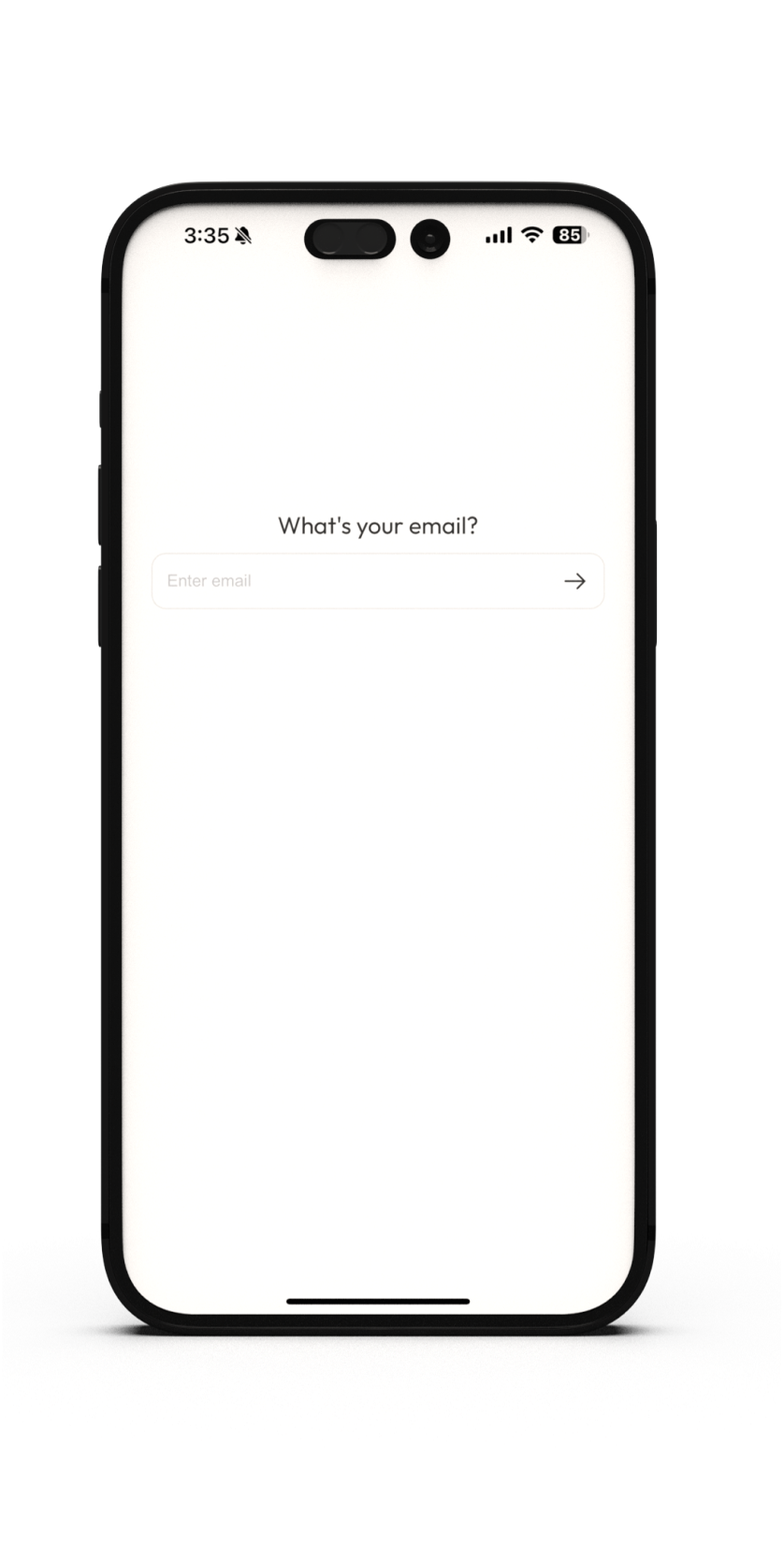
Type your email and password to make an account.
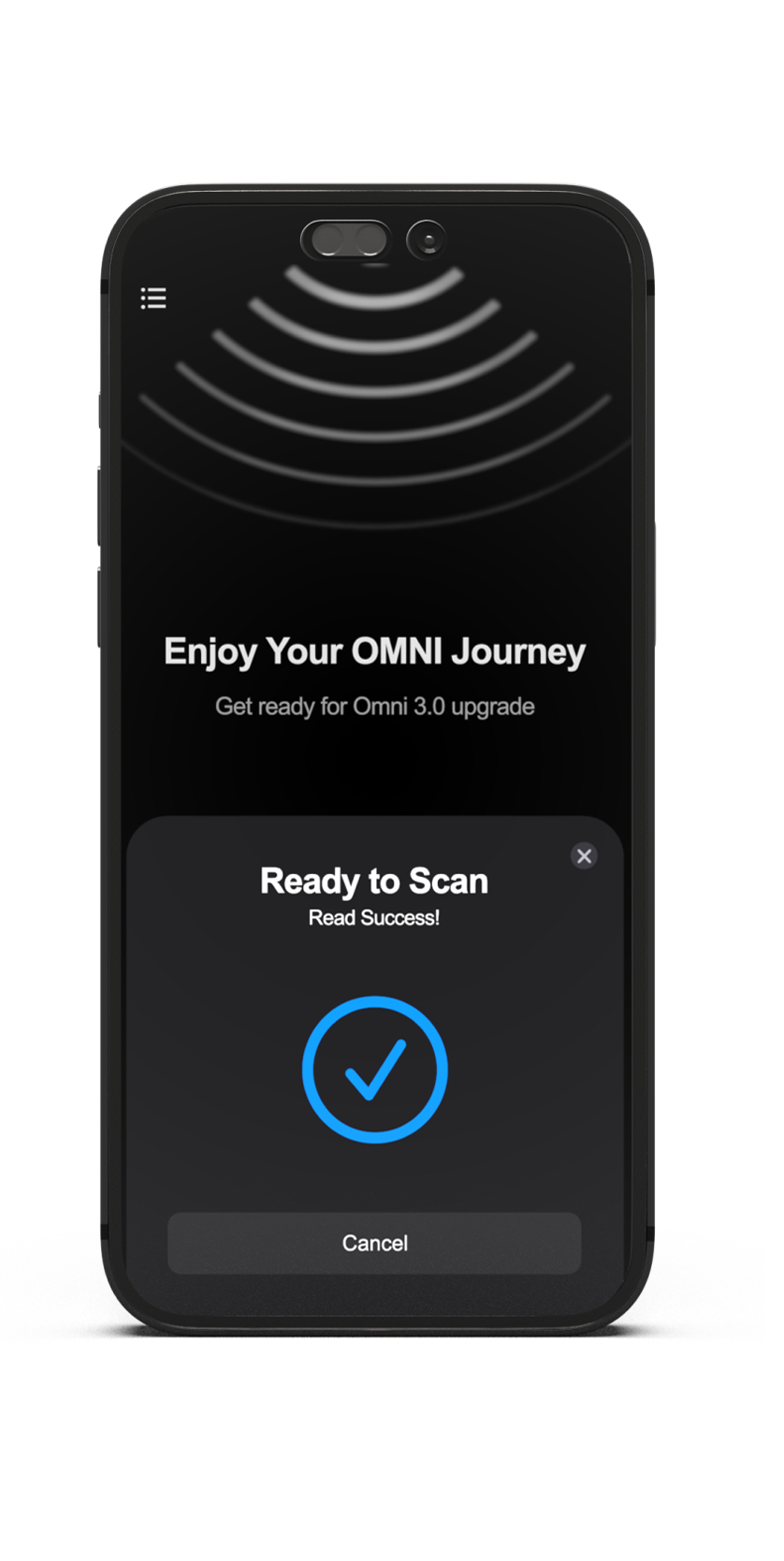
omni Step 3 1
Step 3

Choose either Bluetooth or NFC depending on the device type.
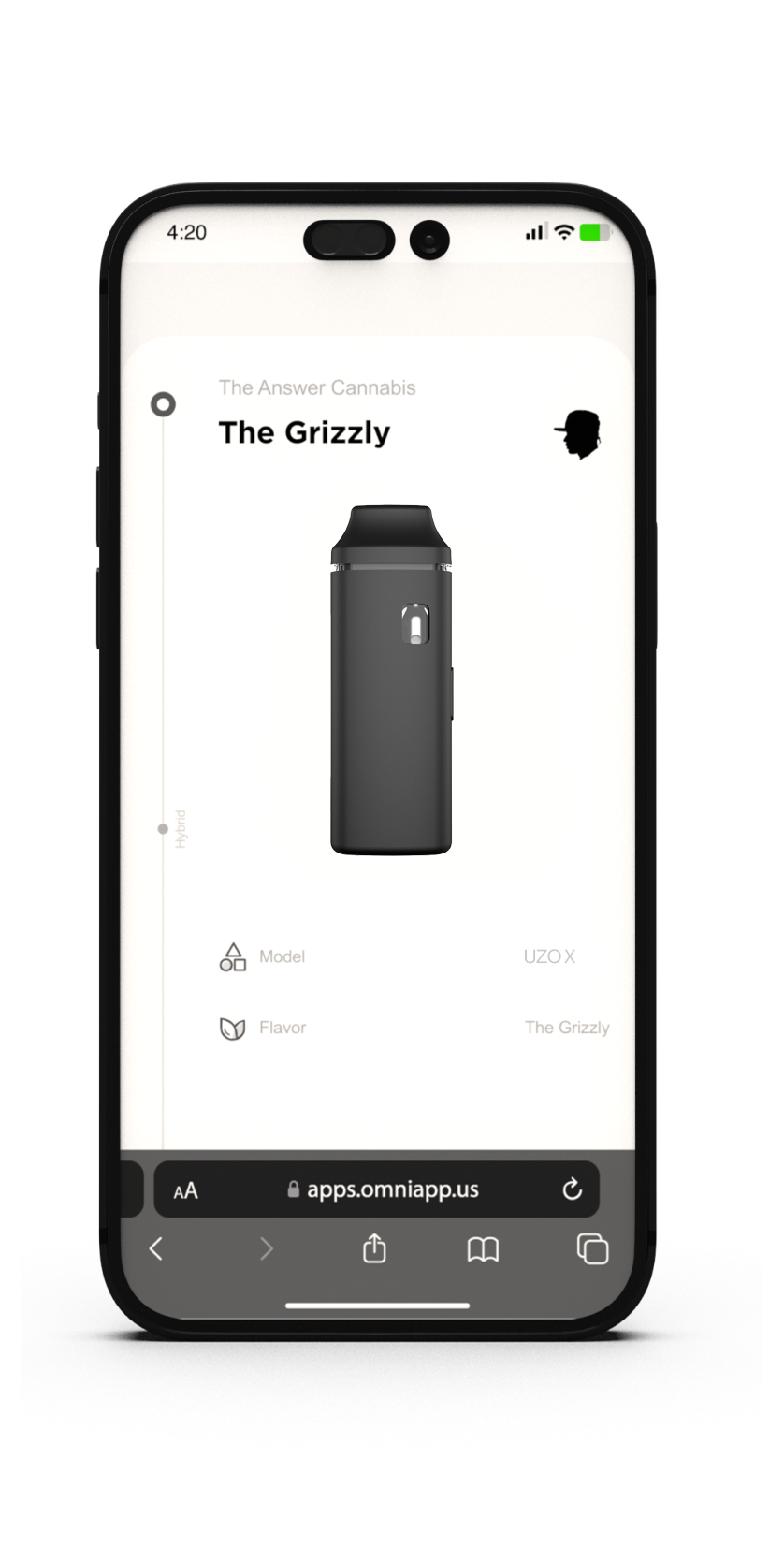
omni Step 4 v2
Step 4

NFC: Place the device near your phone's NFC reader. Click 'Connect'.

Bluetooth: Turn your phone's Bluetooth on. Click 'Connect'.

Explore OMNI

Click here to learn more.

Download the App

Imagine having total control over your vapes and being able to fine-tune your devices to suit your oil perfectly. What you've waited for is here: OMNI Connector.
Scroll to Top
iKrusher

Search products