How to Know When Your 510-Thread Vape Battery Is Fully Charged

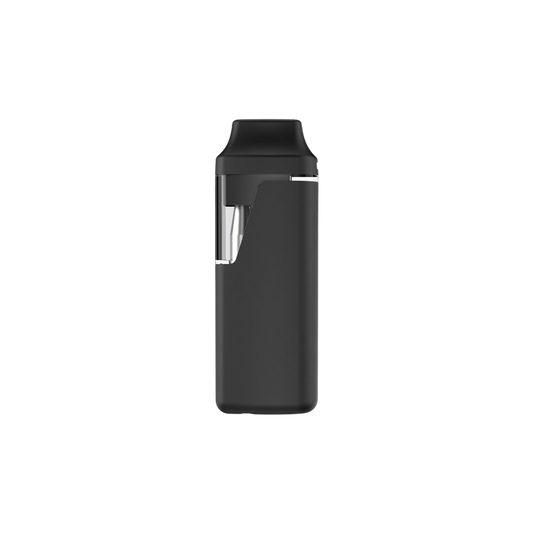
One of the most popular power sources for many vape cartridges is, of course, the universal 510-thread vape batteries. 510 batteries have become the industry standard for powering cartridges thanks to their universal compatibility, rechargeable design, and long-lasting performance. They’re convenient, better for the environment, and work with nearly any 510-thread cartridge, making them an essential accessory for both consumers and brands. But when it’s time to recharge, how can you tell if the battery is fully charged? This guide breaks down key indicators and best practices to keep your devices operating at peak performance.
Here's what you need to know:
Key Signs of a Fully Charged 510 Battery
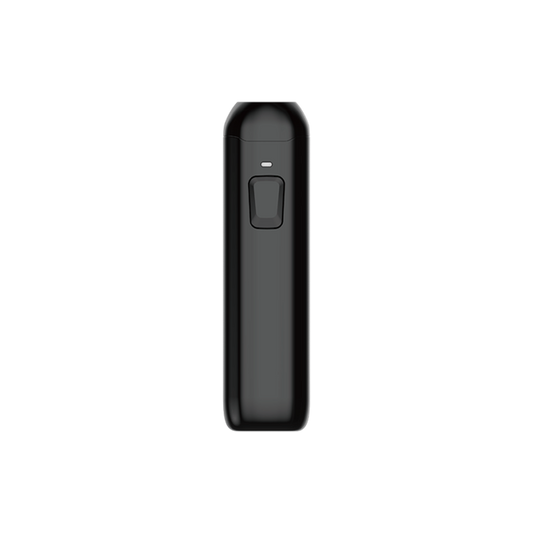
The first thing to check is the battery's LED indicator light. For iKrusher 510 batteries, the light changes from red (charging) to solid green or white when fully charged. The light will also stop blinking.
Other Signs the Battery Is Fully Charged
-
The charger either switches to green, turns off, or stops sending power.
-
The battery cools down (mild warmth while charging is normal, but it fades once fully charged).
-
If you plug the fully charged battery back in, the LED flashes green/white briefly to confirm it's topped up.
-
Pressing the activation button gives a strong, steady light, showing stable power.
Basics of 510 Battery Charging
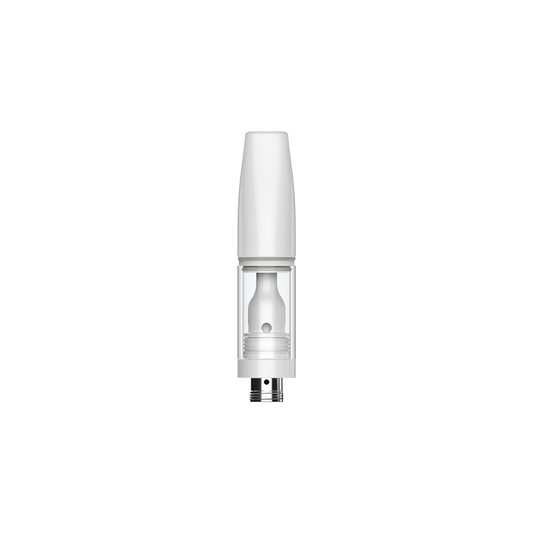
A 510-thread vape battery with the universal 510 threading, meaning almost any 510-thread cartridge is compatible with it. When we say 510 thread, we're talking about a standardized screw-on connection used in many vape batteries and cartridges. These batteries charge via a variety of methods, including USB-A, USB-C, dedicated docks, or wireless pads (on some models). Always use the manufacturer's charger to avoid damage risk.
Charging Time by Battery Capacity
-
300–400 mAh: 45–60 minutes (USB-A) or 30–45 minutes (USB-C)
-
400–650 mAh: 60–90 minutes (USB-A) or 45–60 minutes (USB-C)
-
650–1000 mAh: 90–120 minutes (USB-A) or 60–90 minutes (USB-C)
NOTE: Extreme hot or cold temperatures can significantly slow charging.
LED Light Messages
An LED light, such as those found on many iKrusher 510-thread batteries, including the S3 Digi, S1 Core, and Bilo, conveys several important messages to users. These include the following:
-
Solid red: Charging (low to medium power)
-
Blinking red: Critically low battery—charge right away
-
Solid green/white: Fully charged and ready to use
-
Blinking green/white: Connection problem (battery, charger, or cartridge isn't seated properly)
-
No light: Not charging—something's wrong with the setup
Fixing Common Charging Problems
If your battery won't charge properly:
-
Clean the 510 threads with an alcohol-wiped cotton swab to remove any dirt or residue.
-
Try a different cable, charger, or power source to rule out any faulty parts.
-
Make sure the battery is securely placed in the charger.
-
Check for thread damage or a defective cartridge (remove the cartridge to test the battery alone).
-
Charge at room temperature—extreme temperatures slow charging.
If none of these work, the battery is likely worn out (most last 6–12 months).
Tips to Make Your 510 Battery Last Longer
-
Unplug immediately after a full charge to avoid overcharging.
-
Avoid running the battery down to zero—recharge once it's down to about one-quarter power.
-
Wipe the 510 thread regularly to keep it clean.
-
Store in a cool, dry place—avoid sunlight or humidity.
-
Only use chargers approved by the manufacturer.
Quick FAQs
Q: Can I use the battery while charging?
A: Most models do not allow this. It's unsafe and can damage both the battery and the charger.
Q: Why does a "fully charged" battery die quickly?
A: This usually happens because the battery is aging or there's a connection issue. Try cleaning the threads first. If the problem persists, replace the battery.
Q: Is it normal for the battery to feel warm while charging?
A: Mild warmth is typical. However, excessive heat indicates a faulty charger or battery. If this happens, unplug the battery immediately.
Key Takeaways
Knowing when your 510-thread battery is fully charged is essential for maintaining performance and longevity. Look for the LED indicator to shift from red to a solid green or white and stop blinking—this confirms a full charge. Consistent charging habits and quick attention to minor issues will help extend battery life and keep your devices operating at peak efficiency. These best practices are based on iKrusher’s engineering standards and apply to all our 510-thread models, including the S1 Pro, S3 Digi, and Bilo. Explore our full range of iKrusher batteries and chargers to ensure your devices remain reliable and ready for use.